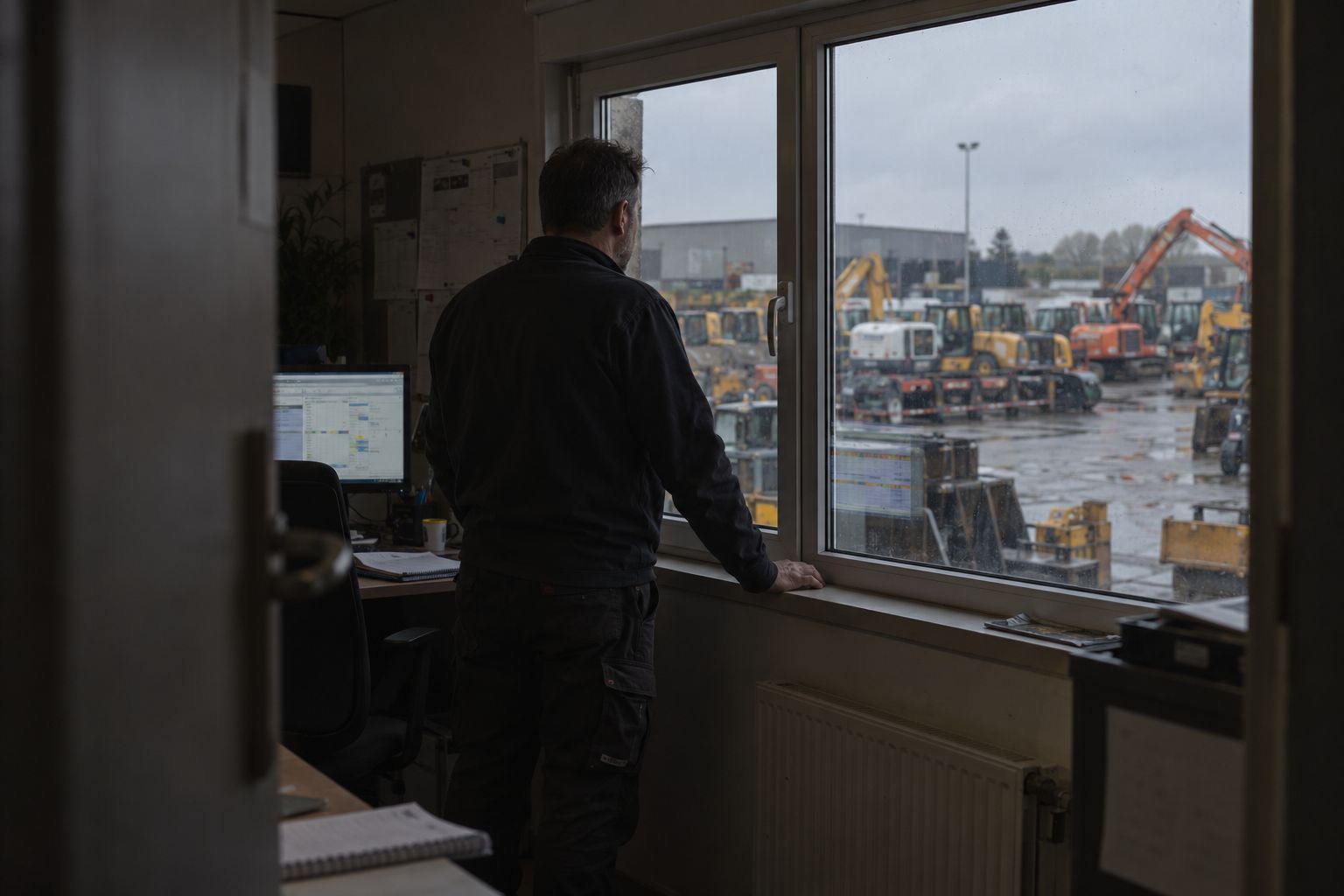
Insights · Rental yards · 3 min read
Rental turnaround: from returned to ready.
Turnaround is the time from the moment a machine comes back through the gate to the moment it is ready to rent again. To shorten it, first see where it goes. Log each stage automatically with gateways at the gate, the wash bay and the workshop, then look at the dwell time per stage.
By Maarten Tak · · Updated
A rental machine earns money on hire. Between hires it costs money: yard space, handling, and the rental you could not take because it was not ready. Every rental company knows this. Fewer can say how long a machine actually spends between return and ready, or where that time goes. The American Rental Association’s standard rental metrics include time utilisation: how much of the time a unit is actually out on hire. Turnaround is the part of that number decided on your own yard.
Where turnaround time goes
A typical path from return to ready looks like this:
- Check-in at the gate. The machine comes back, often without notice.
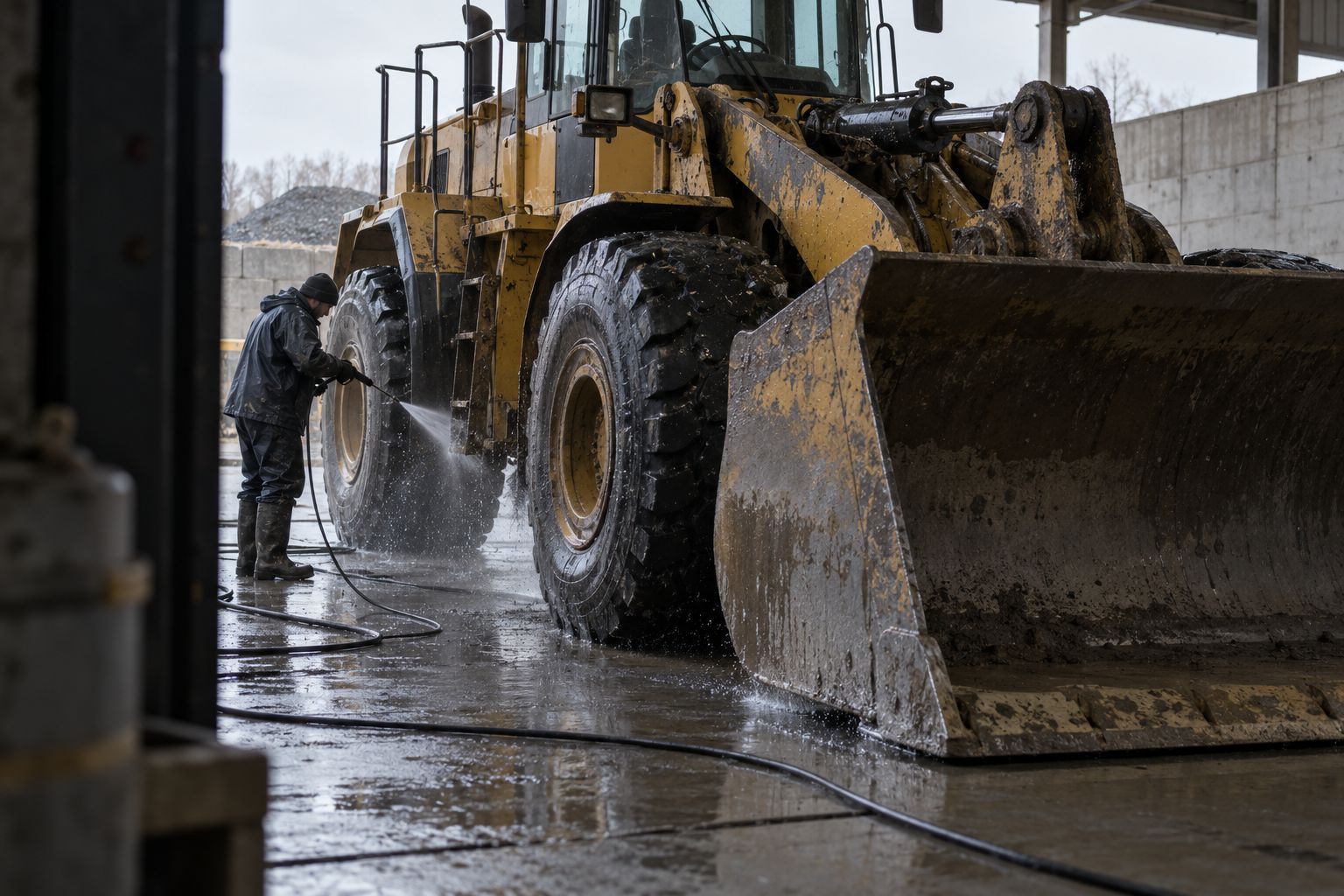
- Waiting for the wash bay. It sits in a queue, sometimes for longer than the wash itself.
- Washing.
- Inspection. A mechanic checks it, or it waits for one.
- Workshop, if needed. Repairs, waiting for parts, waiting for a mechanic.
- Back to the ready line. Someone moves it, and someone updates the system.
The work steps are often quick. The waiting between them is where the days go, and it is the part nobody records.
Why the whiteboard is not enough
Most yards track stages on a whiteboard, in the rental ERP, or in people’s heads. Each one depends on someone updating it at the right moment. When the yard is busy, the update waits, and dispatch starts asking around: is the 8 tonne excavator washed yet?
What you get is a status that is roughly right and no timing at all. You know a machine is “in the workshop”. You do not know it has been there for six days, four of them waiting for a part.
Let stages log themselves
The fix is to take the update step away from people.
Put a tag on each machine, and a gateway at each stage: the gate, the wash bay, the workshop. A gateway listens all the time, so every pass is logged with the time. Each machine moves from returned to washed to checked to ready, and Hirro records how long it spent in each stage.
Staff phones running the app fill in the rest of the yard. They place each machine in a zone as people walk past, so the ready line is visible too.
What to look at first
Once stages log themselves, three views tend to pay off quickly:
- Dwell time per stage. Which stage holds machines longest? Often it is the queue before the wash bay, not the wash.
- Machines stuck past a threshold. Anything in the workshop longer than a set number of days, flagged before a customer asks for it.
- The ready-to-rent list. What dispatch can actually send today, without walking the yard to check.
Attachments in the same flow
Attachments go through the same stages and are easy to lose along the way. A gateway on the low loader reads which attachments rode along with each machine. On return, Hirro flags any that did not come back, while the customer can still check the site.
Where to start
Start with the gate and the wash bay on one yard. Those two gateways give you check-in times and the first dwell times within days. Add the workshop once you see where the waiting is.
Questions
What is turnaround time in equipment rental?
The time from when a machine is returned to when it is ready to rent out again. It usually covers check-in, washing, inspection, any repairs, and moving the machine back to the ready line.
How do I measure turnaround time?
Log the time a machine enters and leaves each stage. Gateways at the gate, the wash bay and the workshop do this automatically by hearing the tag on each machine as it passes.
Can Hirro log check-in and check-out?
Yes. A gateway at the gate logs every pass, so returns and departures are recorded without anyone typing them in.
Next step See how Hirro runs a rental yard.