Stock
Is it still on the yard?
A machine is sold, moved or out for a demo, and the stock list catches up later.
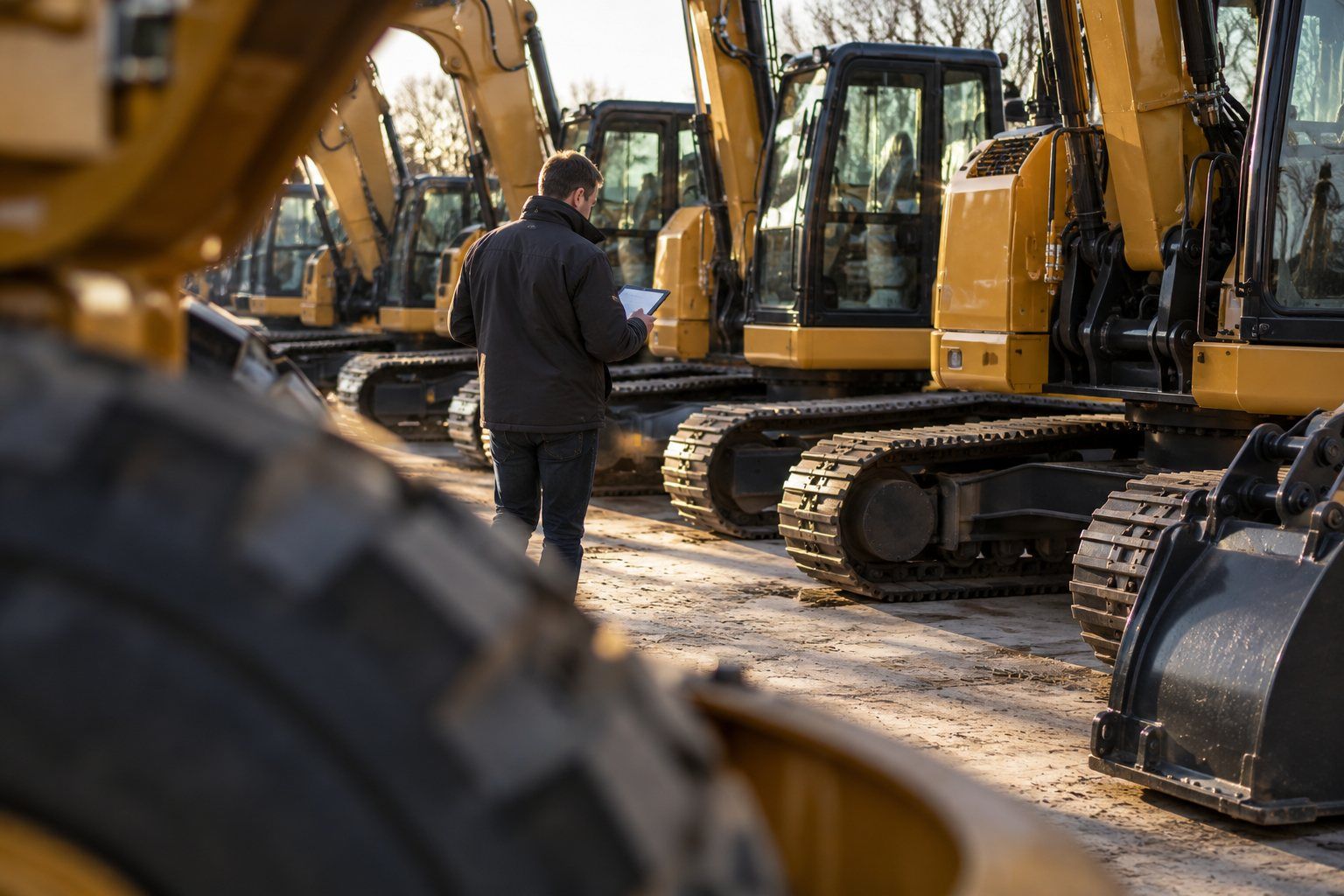
For machinery dealers
New and used machines, demo units, attachments and the workshop. Know what is on the yard, what is out with a customer and what is ready to sell.
Where the yard drifts
Stock
A machine is sold, moved or out for a demo, and the stock list catches up later.
Demo units
It went to a prospect two weeks ago. Sales knows, the yard doesn't.
Attachments
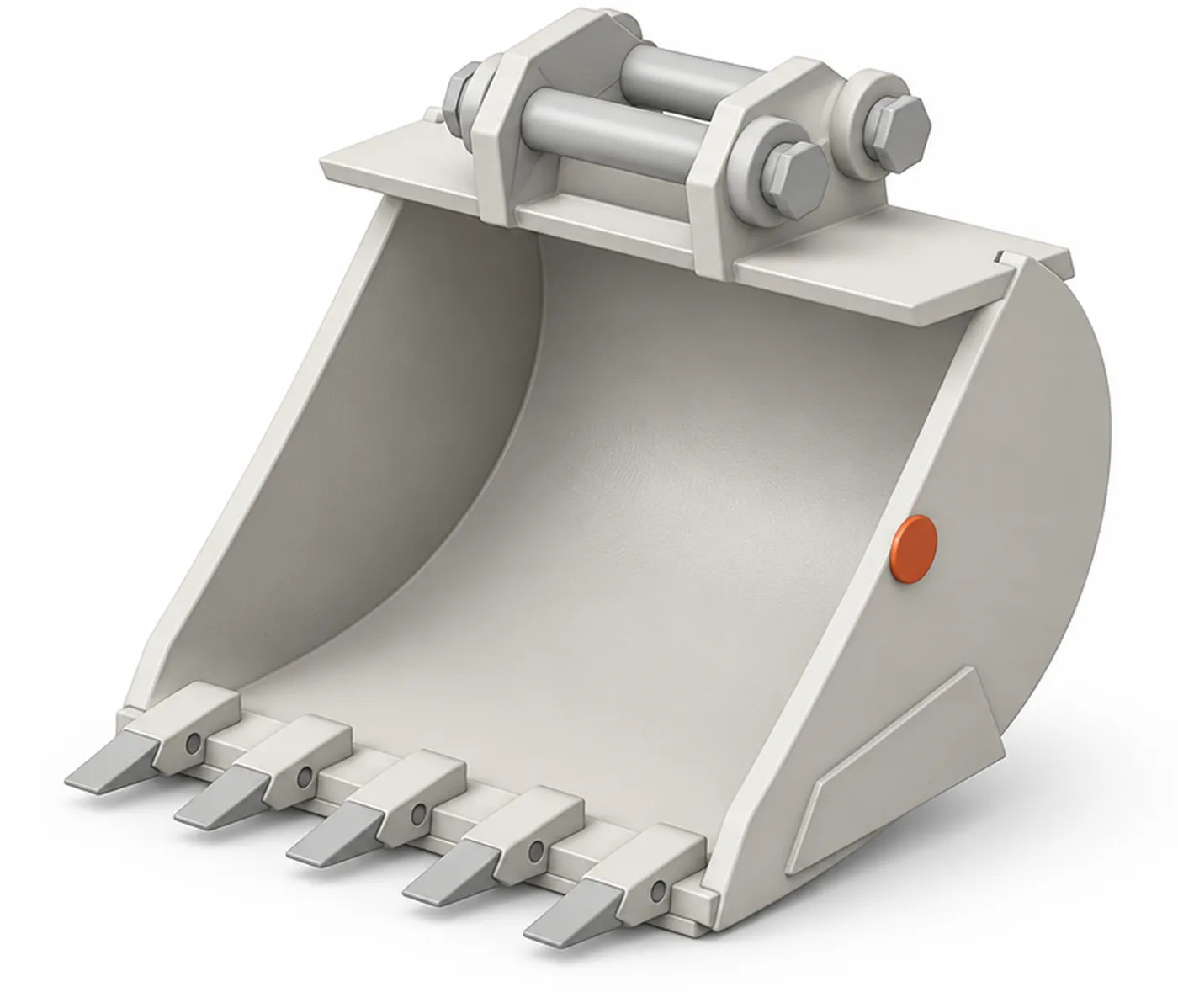
Attachments for sale, for rent and for demo sit in the same row.
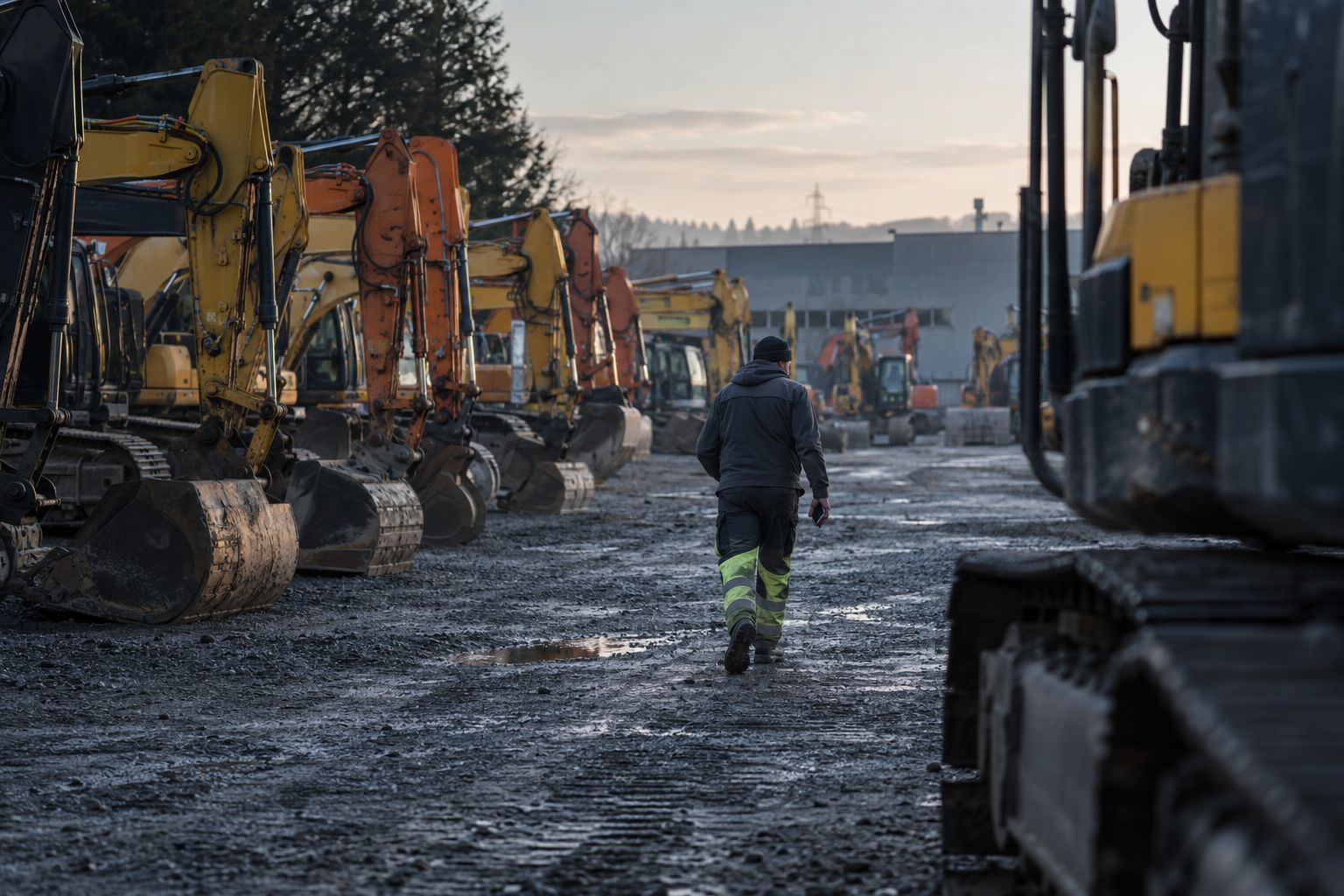
Stock check
Staff phones hear the tags as people walk the lot. Hirro matches them to the stock list and flags what isn't where the list says.
4 of 5 on the lot
Demo out · DM-0207
Its live tracker places it on a site in Geel. The next demo is booked for Monday.
Anyone who walks the lot with the app open.
Stock, demo units and attachments, each with a zone.
Demo units with a live tracker stay on the map.
Sample stock with fictional machines.
On the yard
Staff phones hear the tags as people walk the yard and place each machine in a zone. The stock check is a search, and the list matches the yard.
Out with a customer
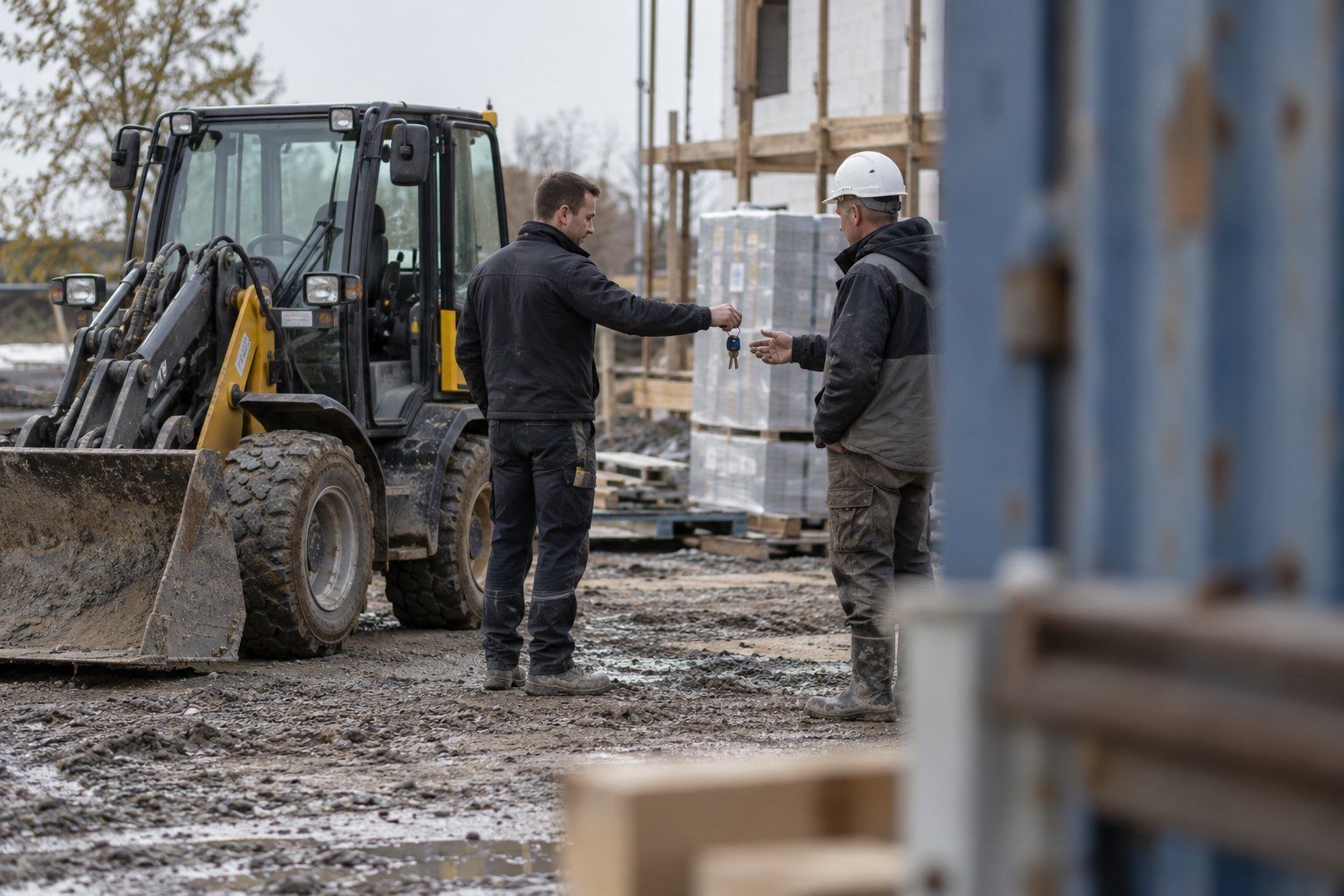
A 4G tracker on a demo unit reports where it is, on the road and on site. Attachments that went with it stay linked to it.
See where each machine is, what stage it is in and when it was last heard. Hirro flags what needs attention.
| EX-0412 | Row A | On yard |
| WL-0207 | Wash bay | Washing |
| BR-1180 | Last on TR-07 | Missing |
| TR-07 | E17 · live | On route |
| CP-0815 | Workshop | Repair |
It left on low loader TR-07 three days ago and didn't come back with it. Its next booking starts on Thursday.
Interface drawn with Rotion UI V2. Sample data, fictional assets and sites.

AI assistants
Ask ChatGPT, Claude or Microsoft Copilot where the breaker is, what has been idle for two weeks or what is still out on site. The answer comes from your live inventory, without opening Hirro.
Through the Hirro MCP server and open API. Sample answer, fictional assets.
Which demo units are out with a customer?
Two demo units are off the lot:
Both report through their live trackers.
Questions
Yes. Staff phones hear the tags as people walk the yard, so each machine has a zone and a time it was last heard, without a manual count.
Keep it. Hirro can read its data and adds what it misses: used machines, attachments and the yard.
Hirro works with any ERP, including SAP, Odoo and Microsoft Dynamics, through a connector, the API or an export.
Book a demo
A demo runs online or on your site. If it fits, we run an optional 2-week pilot on one zone of your yard before any contract.
Or leave your work email and we plan it with you.
We use your email only to plan the demo.
Thanks. We'll email you within one working day to plan the demo.
Your email wasn't sent. Check your connection and try again, or email maarten@hirro.eu.