Battery
About 3 to 5% per shift.
Measured on staff phones during a field test on a Belgian rental yard in October 2026.
How it works
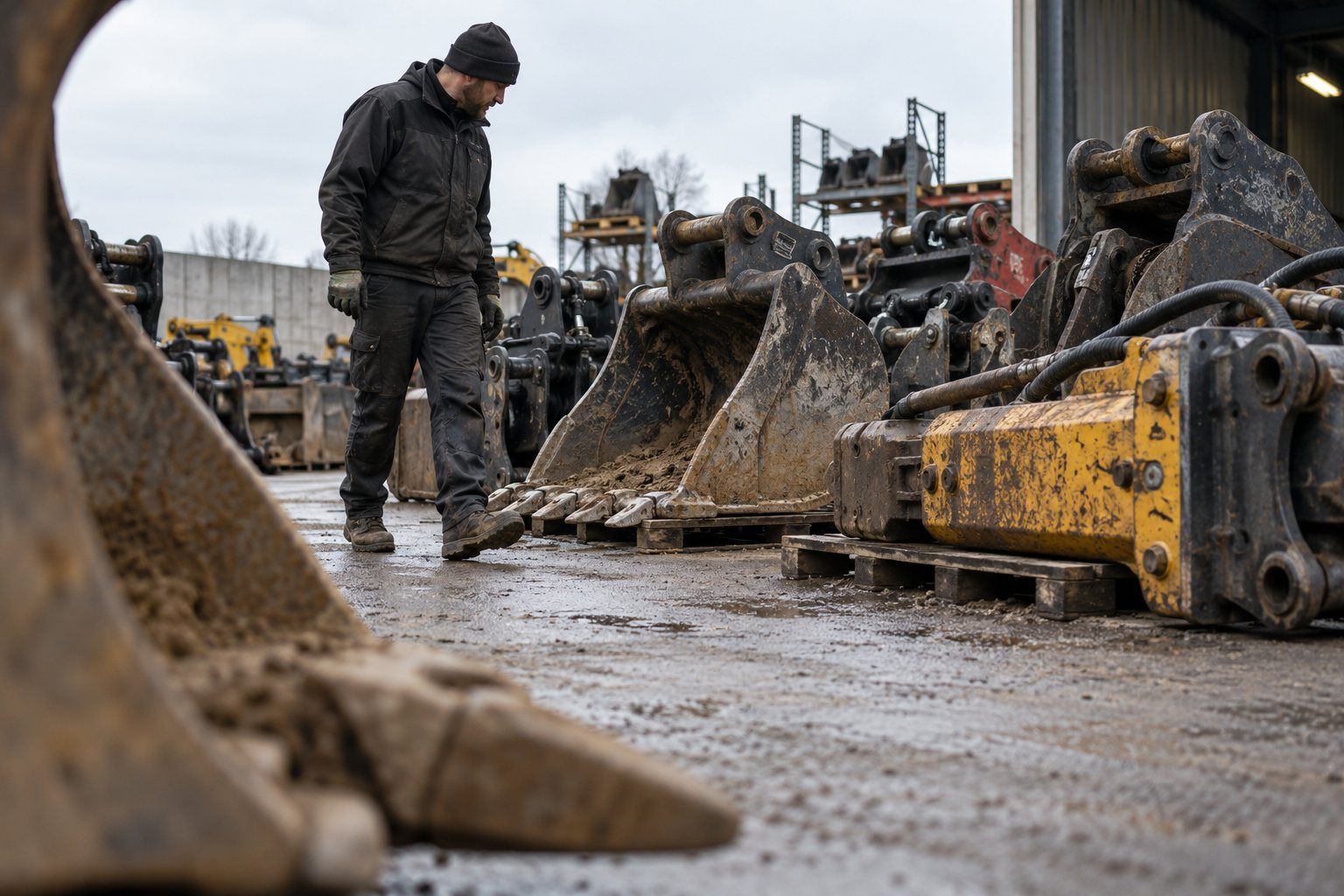
Tags on your machines and attachments. Phones, gateways and live trackers that hear them. One inventory that places every asset in a zone your team knows.
Four ways to hear a tag
Most fleets start with phones on one yard, then add gateways and live trackers where they pay off.
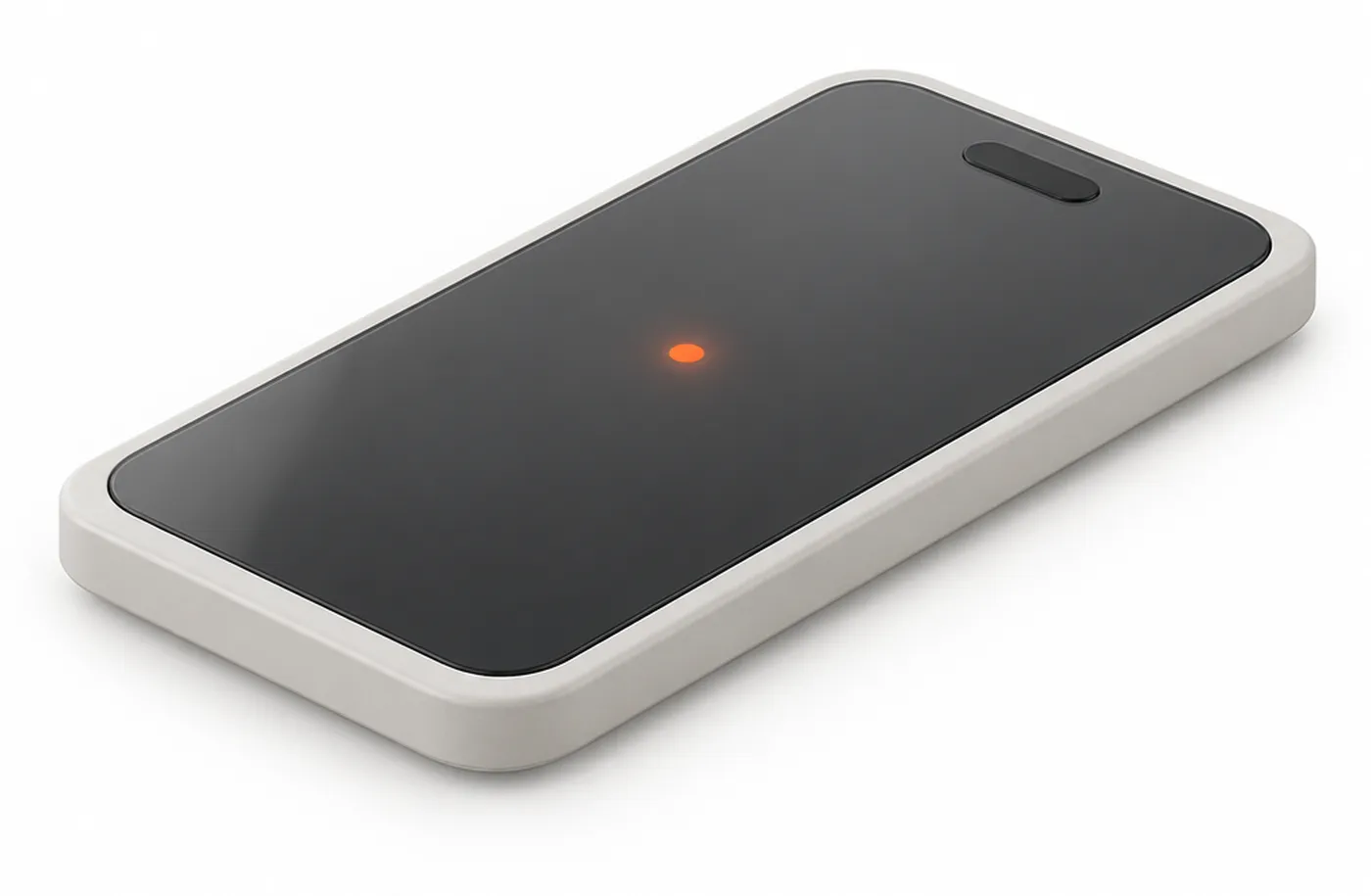
The Hirro app runs in the background on staff phones. Every tag they pass is heard and placed in its zone.
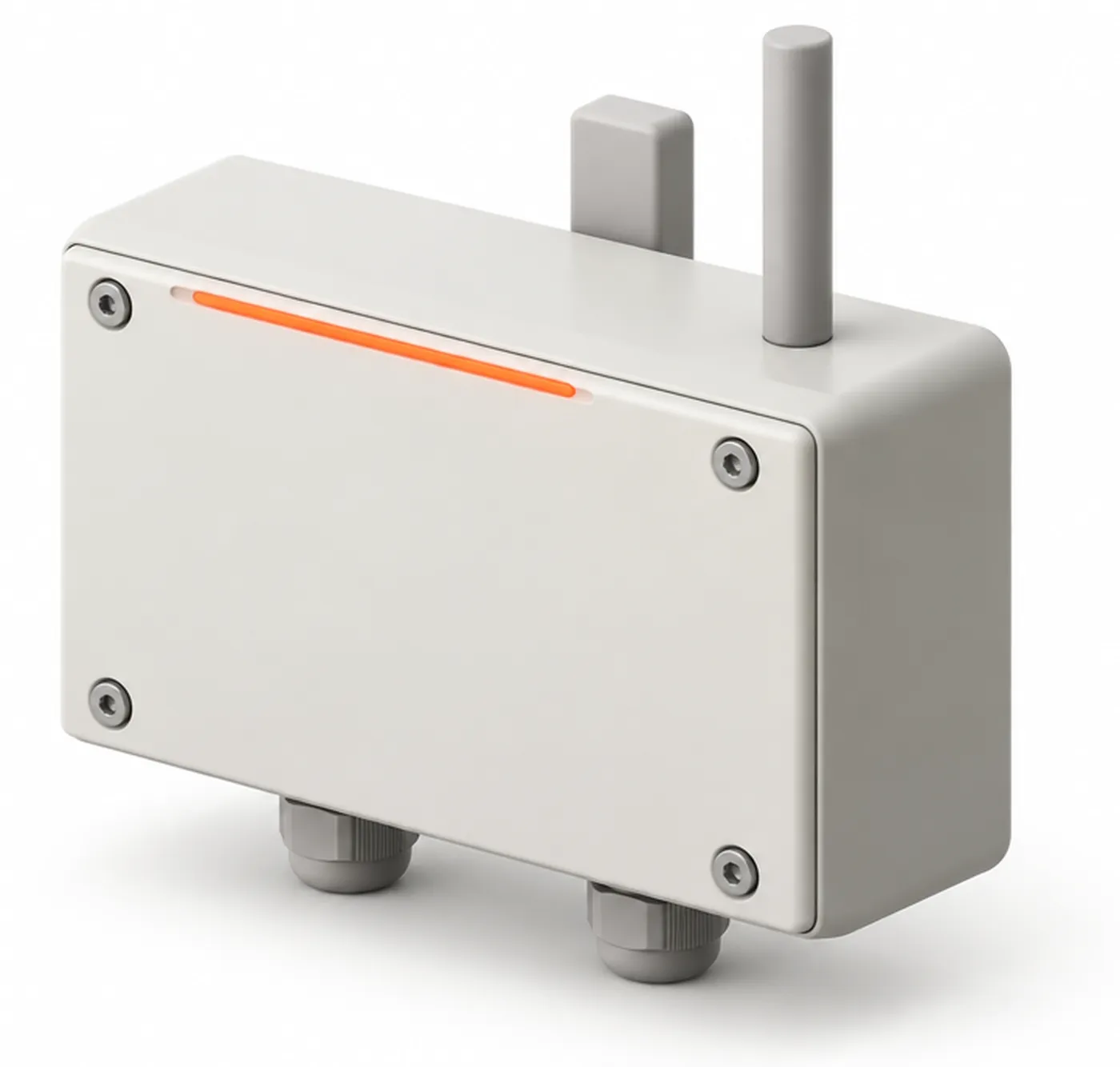
Gateways at the gate, the wash bay and the workshop log every pass, so stages update without typing.
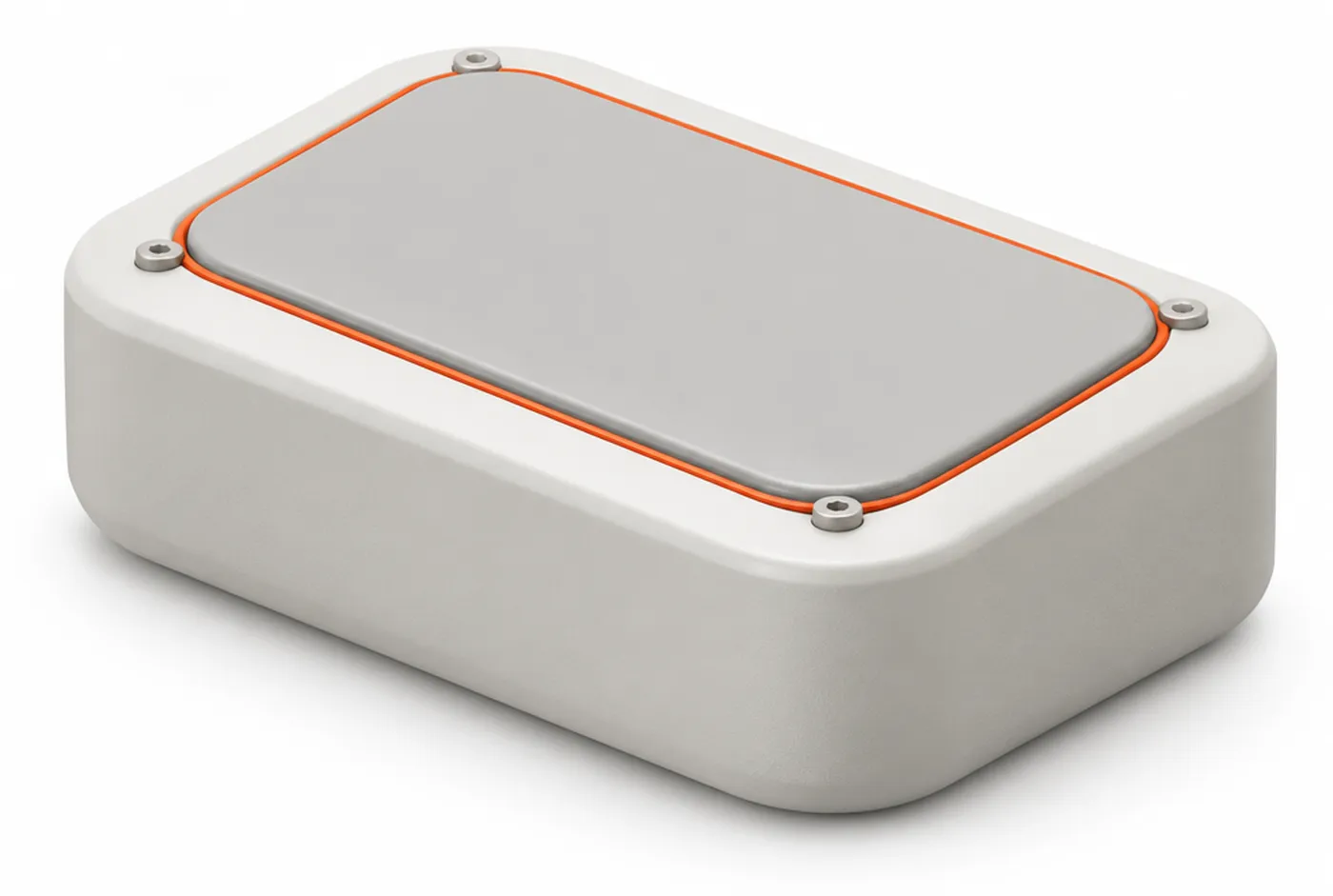
Live trackers report GPS over 4G for high-value machines and anything that leaves the yard.
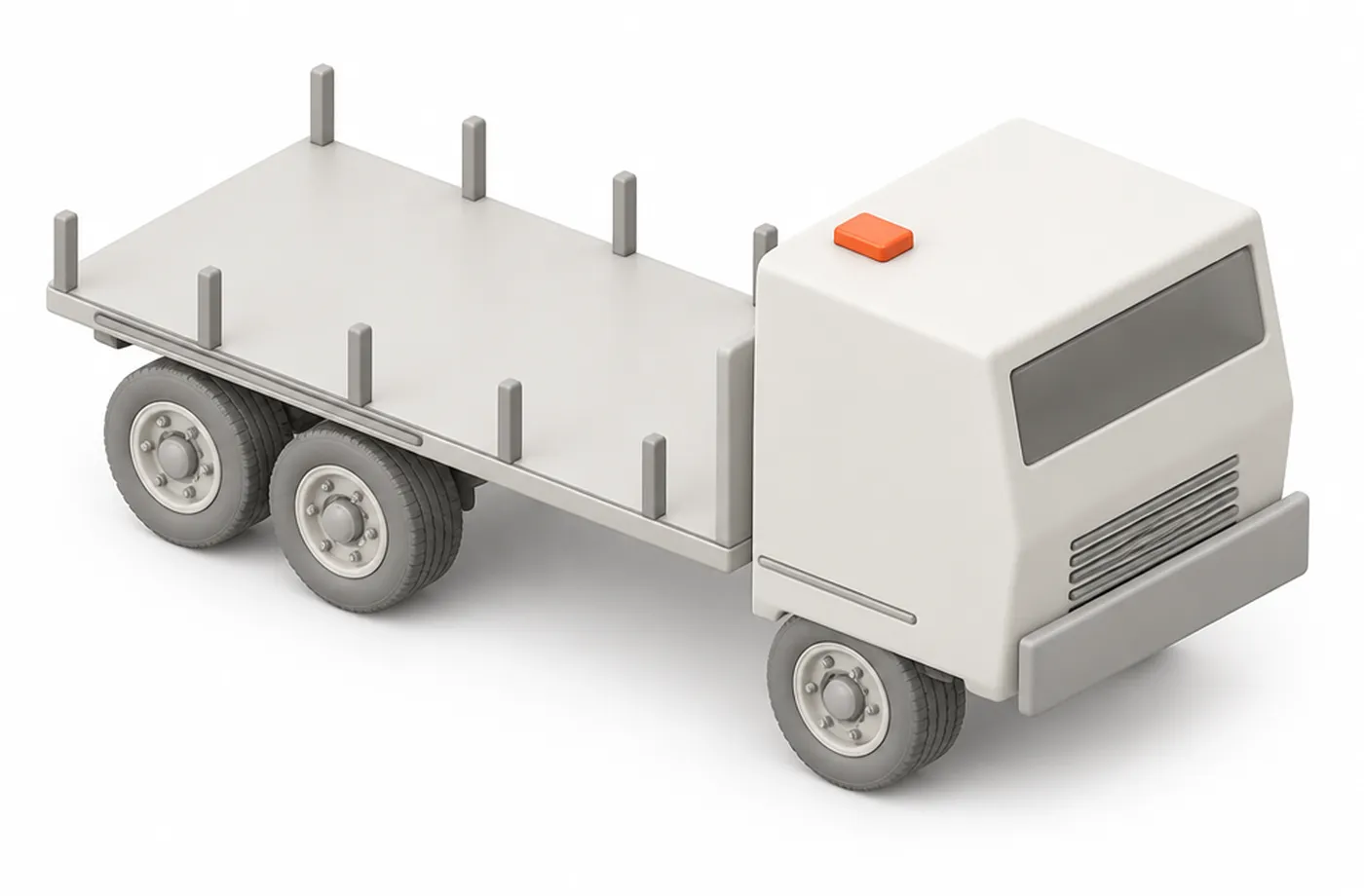
A gateway on a truck reads the tags it carries, so you know which bucket left with which machine.
Zones, not coordinates
Mark rows, racks, the wash bay and the workshop on a plan of your site. Every tag that is heard lands in a zone, so a search answers with a place your team knows. On the spot, the radar on the phone guides you the last metres.
Link a tag
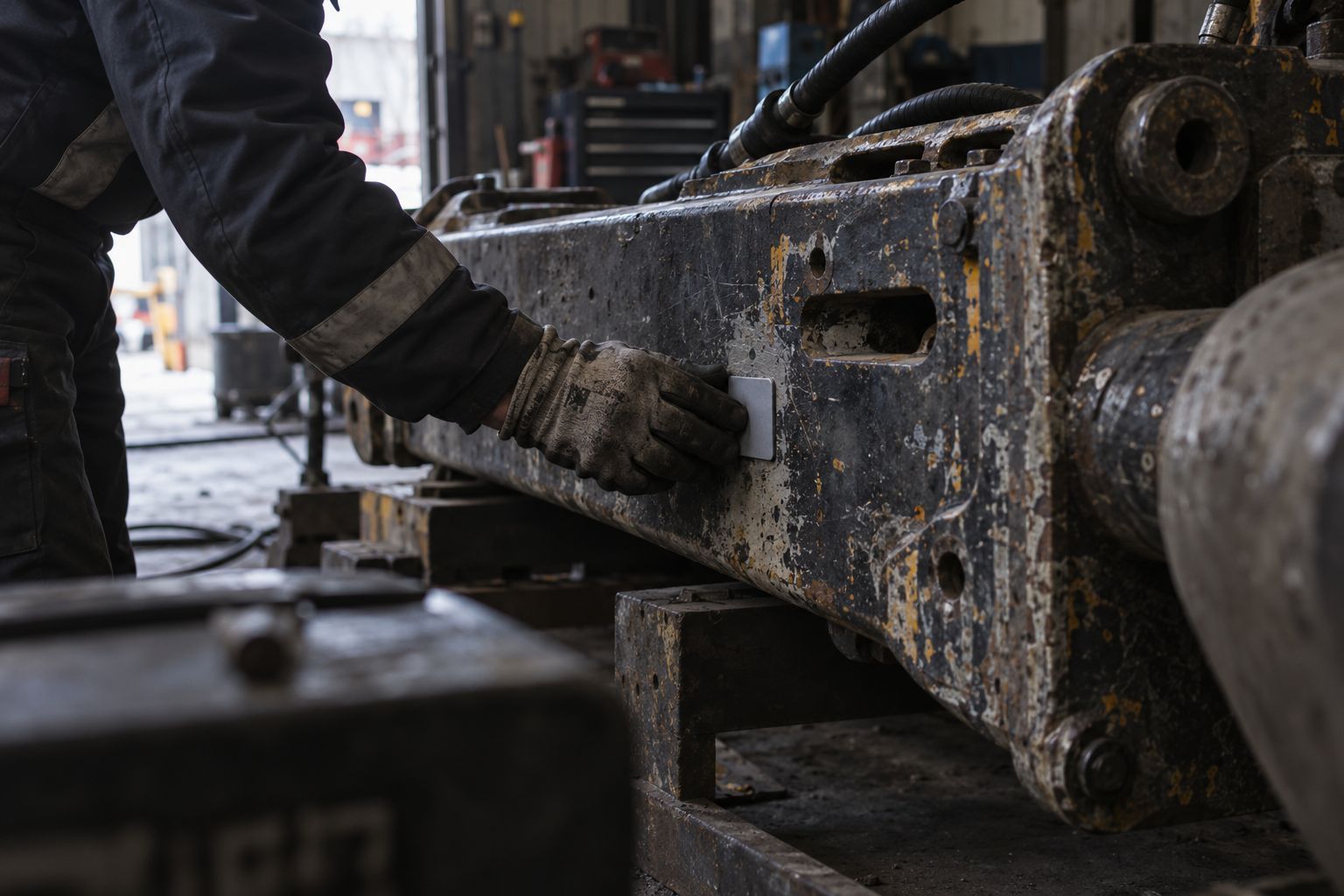
Mount the tag, open the app, scan the tag and the asset. From then on the asset reports itself. Move the tag to the next machine when one leaves the fleet.
Digital twin
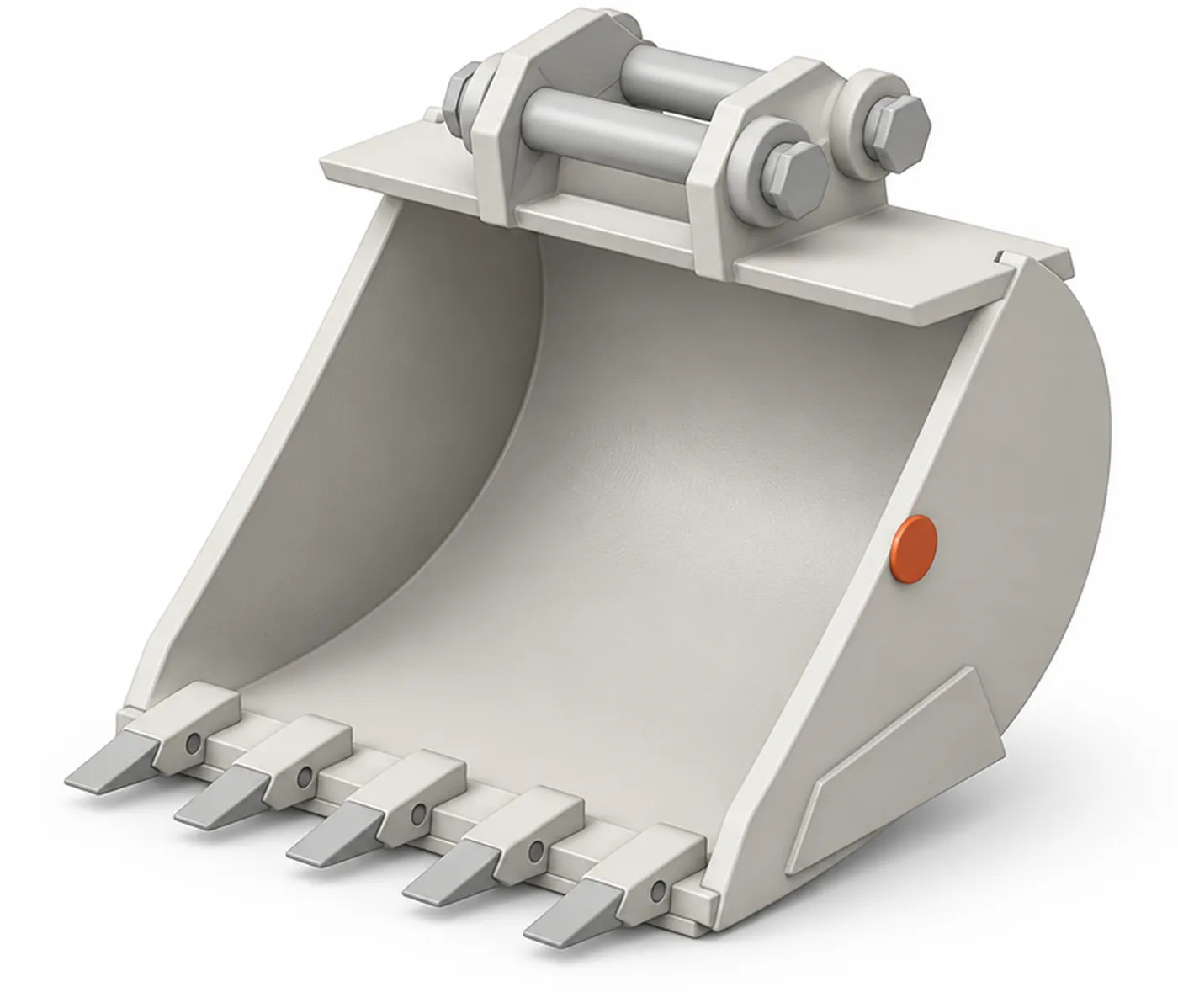
Each tag gives a machine, attachment or tool a digital twin. Every read, move, rental and service lands on it, so maintenance and planning work from facts instead of memory.
Service due in 9 rental daysLifting certificate expires 14 Apr 2027
Sample data · fictional assets
Usage ledger
Zones, stages, trips and rentals on one timeline per asset, with days out on rent and time spent in each stage.
Maintenance log
The workshop logs each service, repair and part on the asset itself, from a phone next to the machine.
Maintenance planning
Set intervals in days or in rental use. Hirro lists what is due and what is overdue, per site and per workshop.
Predictive maintenance
Hirro learns how each asset is used and flags the ones that wear faster than the rest, so the workshop can plan ahead.
Documents
Inspection reports, manuals and certificates sit on the twin, with a reminder before one expires.
Phones on the yard
Battery
Measured on staff phones during a field test on a Belgian rental yard in October 2026.
Background
The app listens in the background. Staff open it only to search or to link a tag.
Privacy
Privacy settings are modular. You decide what staff phones report and to whom, to fit your own policy.
Every asset with its zone, its stage and when it was last heard. Hirro flags what needs attention and suggests the next step.
| EX-0412 | Row A | On yard |
| WL-0207 | Wash bay | Washing |
| BR-1180 | Last on TR-07 | Missing |
| TR-07 | E17 · live | On route |
| CP-0815 | Workshop | Repair |
It left on low loader TR-07 three days ago and didn't come back with it. Its next booking starts on Thursday.
Interface drawn with Rotion UI V2. Sample data, fictional assets and sites.
Questions
Yes. Staff phones running the Hirro app hear the tags as people walk the yard, so you can start with phones only. Add gateways at the gate, wash bay or workshop when you want stages to log themselves.
Hirro places each asset in a zone of your site, such as Row A or the wash bay. On the spot, the radar on the phone guides you to the asset. We report zones, not metres.
In our field test on a Belgian rental yard, the app used about 3 to 5% of phone battery per shift.
Live trackers report GPS position over 4G. A gateway on a truck reads the tags on the attachments it carries, so you know what left with which vehicle.
Yes. Hirro reads standard BLE tags (iBeacon and Eddystone). Other protocols need a one-off integration.
Book a demo
A demo runs online or on your site. If it fits, we run an optional 2-week pilot on one zone of your yard before any contract.
Or leave your work email and we plan it with you.
We use your email only to plan the demo.
Thanks. We'll email you within one working day to plan the demo.
Your email wasn't sent. Check your connection and try again, or email maarten@hirro.eu.