Insights · Rental yards · 3 min read
How to find attachments on a rental yard.
Tag every attachment, let the phones your staff already carry hear those tags as they walk the yard, and place each one in a named zone such as Row B or the wash bay. A search then answers with a place, and the radar on the phone covers the last metres.
By Maarten Tak · · Updated
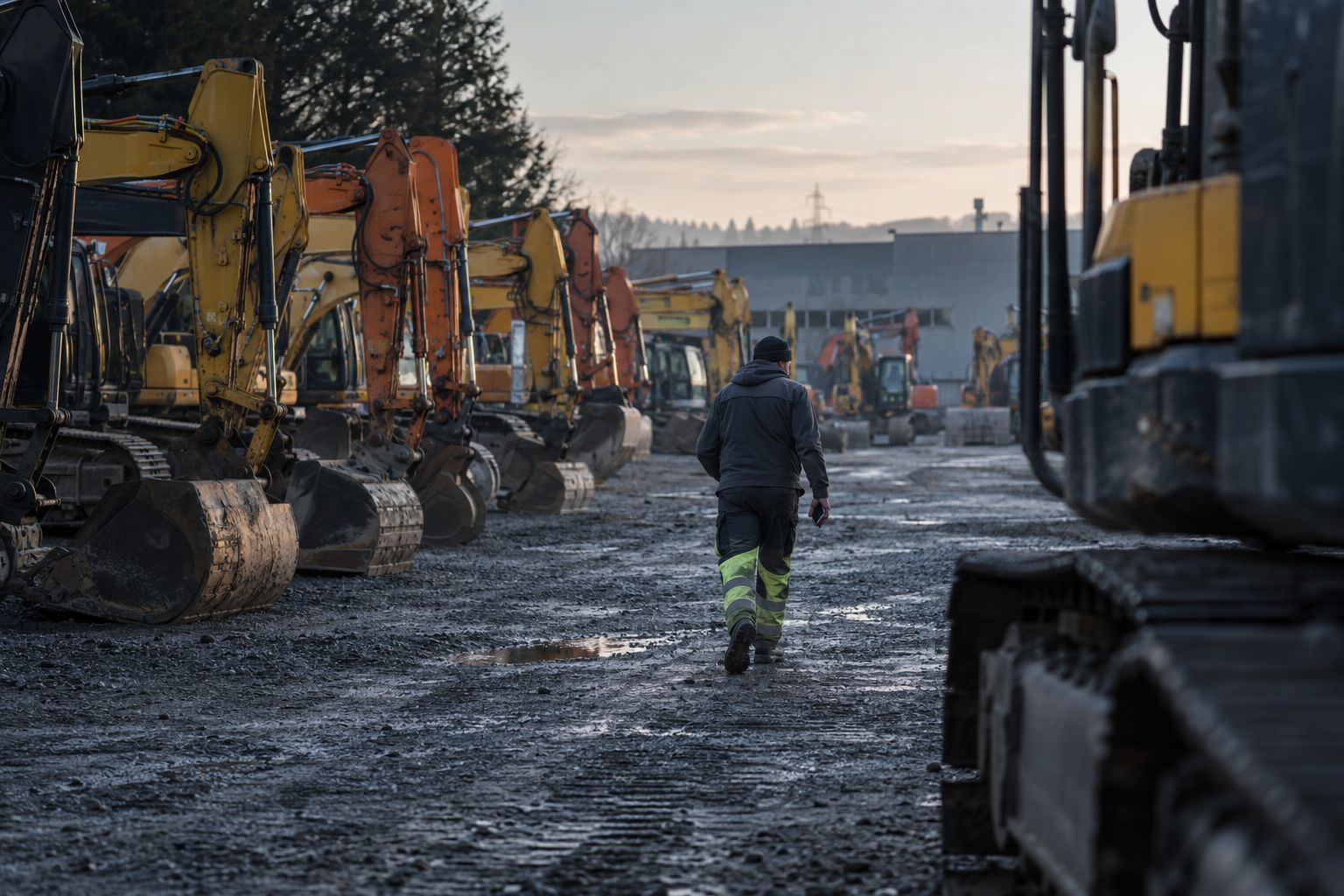
Machines are easy to find. They are big, they have an engine, and many already carry a telematics box. Attachments are a different story. A tilt bucket, a hydraulic breaker or a set of pallet forks has no power and no tracker, looks like the five next to it, and gets moved by whoever needed the space.
The cost shows up in three places:
- Dispatch waits. A truck is booked, the machine is ready, and someone walks the rows looking for the right bucket.
- Returns go unchecked. An excavator comes back, but the breaker that left with it stays on site, and nobody notices until the next customer asks for it.
- Invoices miss items. An attachment rides along with a machine but never makes it onto the rental contract.
Why the usual fixes break down
Most yards try one of three things first.
A spreadsheet or the rental ERP. It holds the right list, but nobody updates the location when they move a bucket three rows over. The record says “on the yard”, which is true and not much help.
Fixed rows per attachment type. This works until the yard is full, a row gets used for a delivery, or a new hire puts things where there is room.
Painting or numbering. Good for telling two identical buckets apart, but it says nothing about where either one is.
What these have in common is that someone has to remember to update something. On a busy yard, that step is the first to go.
Give every attachment a tag
A Bluetooth tag is about the size of a matchbox. It glues, bolts or straps onto the steel and sends a short signal every few seconds. The standard tag runs on a swappable battery that lasts up to 3 to 4 years, and a rugged version for harsh spots lasts up to 8.
Linking a tag to an attachment takes two scans in the app: scan the tag, scan the asset. From then on the attachment reports itself.
Let the phones do the reading
A tag only helps if something hears it. On most yards, that something is already walking around: the phones of yard staff, mechanics and drivers.
With the Hirro app running in the background, every tag within range of a phone is heard and placed in a zone. Nobody opens the app to make that happen. In our field test on a Belgian rental yard in October 2026, the app used about 3 to 5% of phone battery per shift, and phones did all the reading. We installed no gateways.
You can add gateways later in the spots where you want a log of every pass, such as the gate, the wash bay or the workshop.
Use zones, not coordinates
A position in metres sounds precise, but on a yard it changes as phones move and machines block the signal. A zone does not. Draw your yard once: the rows, the racks, the wash bay, the workshop. Every tag that is heard lands in one of them. The Bluetooth SIG notes that the effective range of Bluetooth depends on the radio, the power and what stands between two devices, which is exactly what changes on a yard.
A search for “breaker 1.5 t” then answers with something like “Row C, heard 20 minutes ago”. Walk to Row C, open the radar on your phone, and it guides you the last few metres.
Keep attachments with their machine
Finding an attachment on the yard is half the problem. The other half is knowing where it went when it left.
A gateway on a low loader reads every tag it carries. Hirro links each attachment to the machine and the truck it left with, which gives you two things:
- The attachment is billed with the machine, because the rental record knows it rode along.
- On return, anything that did not come back is flagged, while the customer can still check the site.
Where to start
Start with the attachments you search for most, or the ones that cost the most to replace. Tag those on one yard, let staff phones run the app for a few weeks, and compare how long dispatch spends looking before and after. That is also how our optional pilot works: one zone of your yard, 2 weeks, results reviewed together.
Questions
How do I find attachments on a rental yard?
Tag each attachment and let staff phones or gateways hear the tags. Each one is placed in a zone of the yard, so a search answers with a place your team knows. On the spot, a radar on the phone guides you to it.
Do attachments need a GPS tracker?
No. Attachments have no power supply, so a small Bluetooth tag with a battery that lasts for years fits better. Keep GPS trackers for machines that leave the yard on their own.
How do I know which attachment left with which machine?
A gateway on the low loader reads the tags it carries. That links each bucket or breaker to the machine and the truck it left with, so it ends up on the same invoice.
Next step See how Hirro runs a rental yard.