Insights · Inventory · 4 min read
Your ERP knows what you own. Does it know where it is?
Your ERP records what you own, what it cost and who has it on hire. It knows where an asset is only when someone books a move. Tag each asset, let staff phones hear the tags as they walk the yard, and write the zone and the time it was last heard back to the asset record.
By Maarten Tak ·
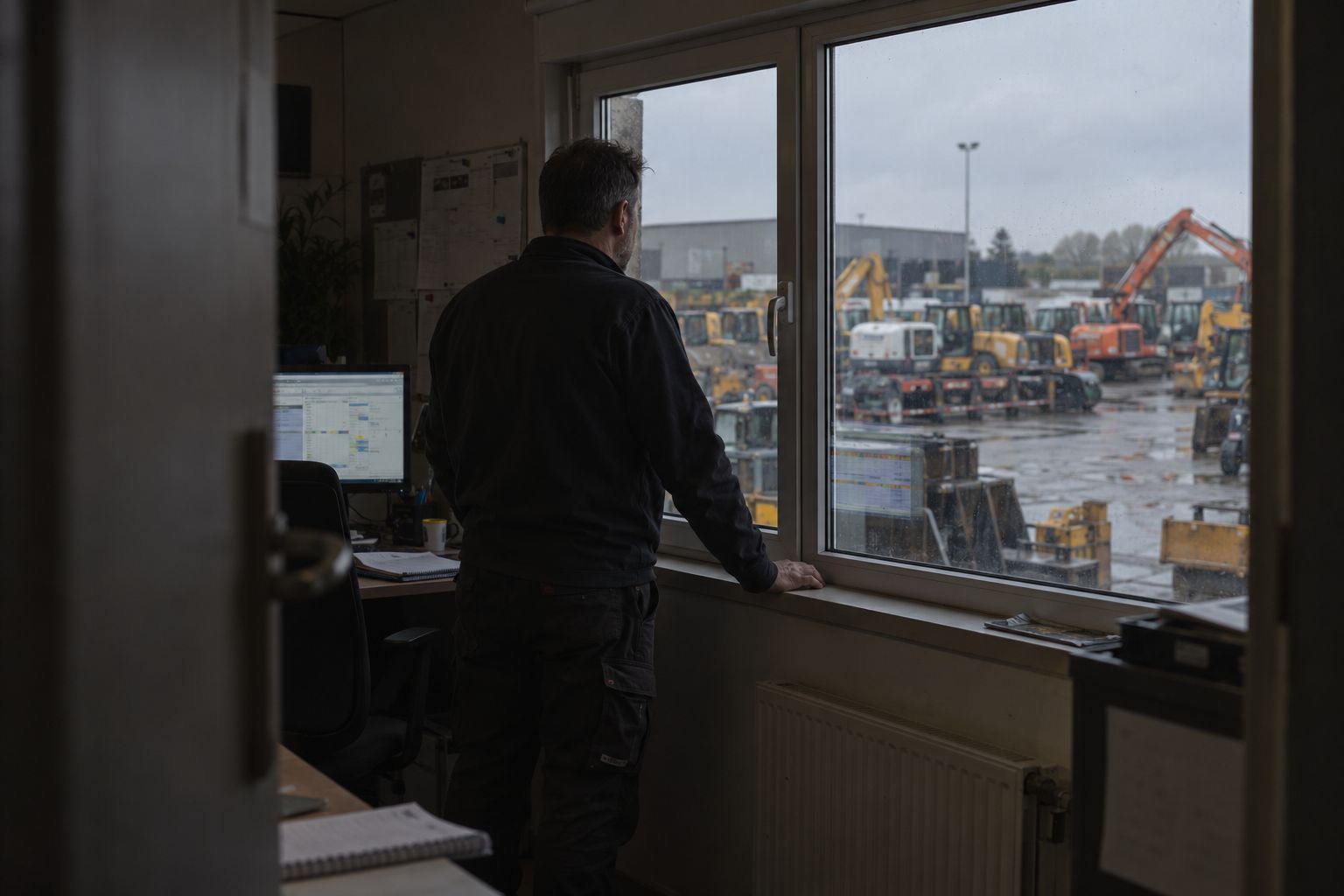
Ask a planner where the 1.5 t breaker is and they open the ERP. The record has the purchase date, the serial number, the book value and the last rental contract. The location field says “Main depot”. The breaker could be in Row C, in the workshop, or still on the site where the last customer left it.
What does an ERP record about an asset?
An ERP is built around money and contracts. Microsoft describes fixed assets in Dynamics 365 Finance as items an organisation owns, which you acquire, depreciate and eventually dispose of. Most asset modules follow that pattern, and rental and contractor ERPs add contracts, rates and maintenance on top.
So the ERP is where you answer questions like these:
- What do we own, and what is it worth?
- Who has it on hire, and since when?
- When is the next inspection due?
“Where is it right now?” is a different kind of question. Nothing in the ERP watches the yard, so it can only repeat what someone typed in.
Why is the location field always out of date?
An ERP knows a location because a person told it. In Odoo, a location is a specific space within a warehouse, such as a shelf, a room or an aisle, and stock changes location through a recorded move. Other ERPs work the same way: the record changes when someone books the transfer.
On a yard, that booking rarely happens. A mechanic moves a compactor to make room. A driver drops a bucket by the gate. A site foreman keeps a trailer for another week. Each move makes sense on the day, and none of them gets entered. A few weeks later, the location field shows the last place anyone booked.
Some yards answer with more discipline, such as a barcode scan at every move or a weekly walk with a clipboard. That holds while one person owns it, and it slips in the first busy week.
How do you keep the location field true?
Take the typing out of it. Let each asset report where it is, and send that to the ERP.
- Tag each asset. A Bluetooth tag glues, bolts or straps onto the steel, and linking it takes two scans in the app: the tag, then the asset. Use the asset number your ERP already has, so both systems mean the same item.
- Let the phones hear the tags. With the Hirro app running in the background on staff phones, every tag a phone passes is heard and placed in a zone of the yard. Nobody has to open the app.
- Name the zones the way your team does: Row A, the wash bay, the workshop, the ready line. Someone sent to Row A knows where to walk.
- Write it back. Hirro links each tag to the item in your asset register and updates the zone and the time it was last heard on that record.
- Add gateways only where a stage should log itself. A gateway at the gate, the wash bay or the workshop records every pass, so you see when an asset left and how long it stood in the workshop. You can start without any.
We tested this on the yard of a Belgian rental and crane company from 16 to 23 October 2026. Phones did all the reading, we installed no gateways, and each asset was placed in a zone of the yard. The setup is on the field test page.
What changes for each team?
Once the zone and the last heard time sit on the asset record, each team reads the answer in the system it already uses.
| Team | The question | Where the answer comes from |
|---|---|---|
| Dispatch | Is the breaker on the yard, and in which row? | The zone and last heard time on the asset record |
| Rental desk | What came back on this contract, and what is still out? | Tags heard at the return, compared with the contract lines |
| Workshop | Which machines are waiting for repair? | Assets last heard in the workshop zone |
| Finance | Does the register match what is on the yard? | Assets that no phone has heard for a while |
The finance row is the one that usually surprises people. An asset that no phone has heard in weeks is either out on a site, lost, or in a corner nobody walks past. Each of those calls for a different next step, and the list tells you where to start looking.
Which ERP does this work with?
Any ERP, for example SAP, Odoo or Microsoft Dynamics. The ERP stays the record of what you own, what it is worth and who has it on hire. Hirro adds where each asset was last heard. The integrations page shows what connects and in which direction.
If your large machines already carry telematics, keep those trackers. Hirro works alongside them and adds the attachments, the small equipment and the yard zones they do not cover.
Where do you start?
Pick one question your ERP cannot answer today, such as “which buckets are on this yard, and where?” Export the assets that question covers, tag them, and run the app on the phones of the people who work there. After two weeks, compare the zone each asset reports with what the ERP says.
That is also how our optional pilot works: one zone of your yard, 2 weeks, results reviewed together. How it works shows the full setup, from the tags to the zones you draw yourself.
Questions
Can an ERP track where equipment is?
An ERP stores a location for each asset, but that field changes only when someone books a move or a transfer. To keep it current without that step, tag the assets and let phones or gateways report the zone where each one was last heard.
Which ERP systems does Hirro work with?
Any ERP, for example SAP, Odoo or Microsoft Dynamics. Hirro links each tag to the item in your asset register, so every asset keeps one record and one number.
Do I need to replace my ERP to track equipment?
No. The ERP stays the record of what you own, what it cost and who has it on hire. Hirro adds the zone where each asset was last heard and writes it back to that record.