Insights · Tracking · 3 min read
Can you track equipment without gateways?
Yes. A phone running a tracking app can do the job of a gateway, hearing Bluetooth tags as staff walk the yard. You start with no wiring, no power points and no installation day. Gateways are still worth adding at spots where you want every pass logged, such as the gate or the wash bay.
By Maarten Tak · · Updated
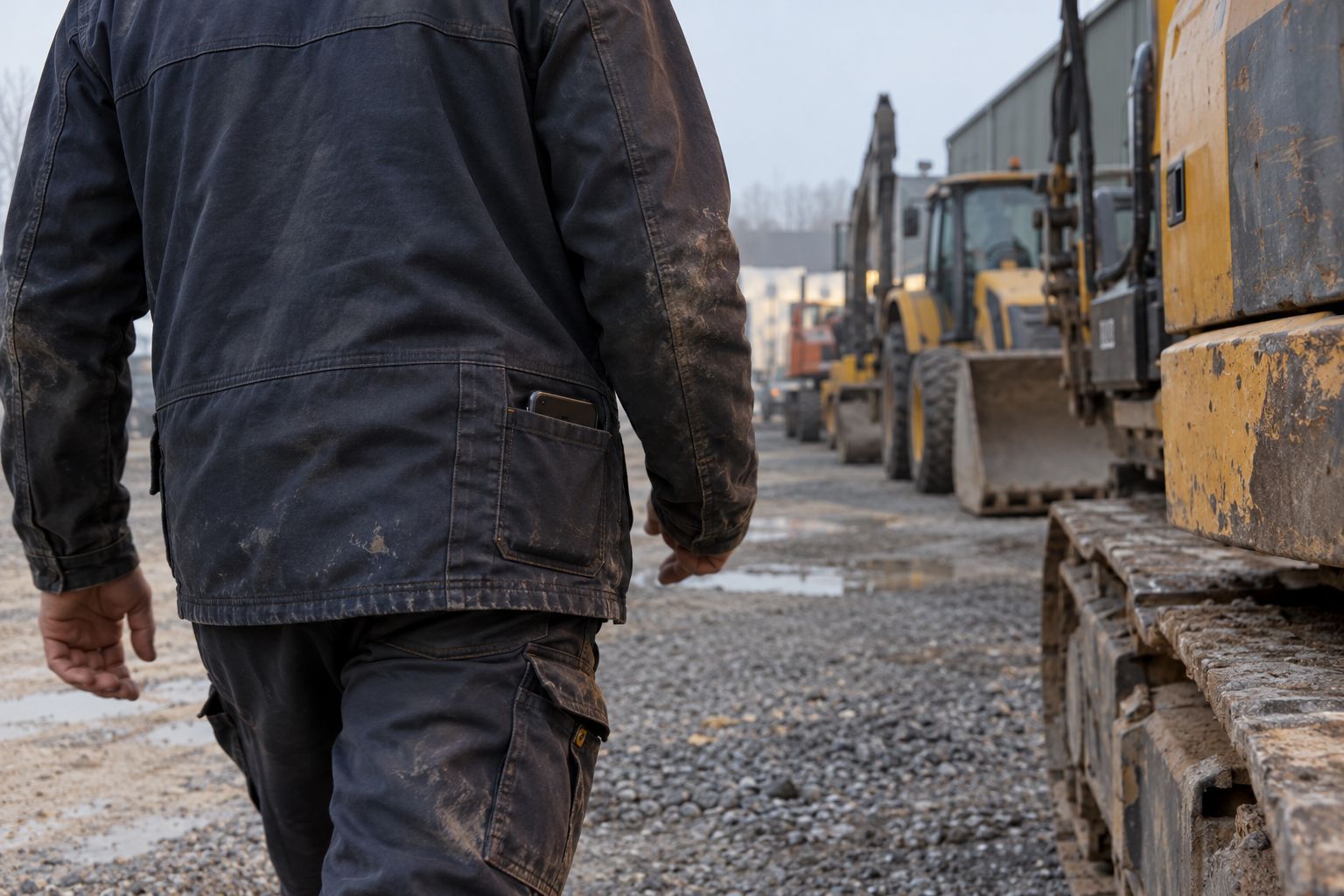
Most Bluetooth tracking systems are sold with gateways: small fixed readers that listen for tags and send what they hear to the cloud. They work, but they come with a project attached. Each one needs power, a mount, network coverage and someone to install it. A large yard can need dozens.
There is another reader already on every yard: the phones people carry.
How phone walk-by works
A Bluetooth tag sends a short signal every few seconds. Any phone with the right app can hear it, the same way a gateway does.
- Staff install the Hirro app once. It runs in the background.
- As they walk the yard, the phone hears every tag within range.
- The app sends what it heard, and Hirro places each asset in a zone of the yard, such as Row A or the wash bay.
Nobody opens the app or scans anything. The yard updates because people walked through it. Phones only open the app to search for an asset or to link a new tag. Phones can do this because Bluetooth Low Energy is built into the platform: Android, for example, has built-in support for Bluetooth Low Energy that apps use to discover nearby devices.
What we measured
From 16 to 23 October 2026 we ran a field test on the yard of a Belgian rental and crane company, using phones only.
- Position: each asset placed in a zone of the yard, then found with the radar on the phone.
- Battery: about 3 to 5% of phone battery per shift.
- Setup: two scans to link a tag to an asset.
- Infrastructure: no gateways.
We report zones, not metres. A position in metres changes every time a phone moves, while a zone your team knows gets someone to the right place.
Where phones work well
Phone walk-by fits places where people move around anyway:
- Rental yards, where yard staff, drivers and mechanics cover the rows every day.
- Stores and workshops, where everyone passes the racks.
- Sites, where the site manager and crews walk the area.
The more people carry the app, the fresher the picture. One phone covers its own route. A whole team covers the yard.
Where gateways still pay off
Phones only hear what they pass. Some questions need a reader that is always there.
| Need | Phones | Gateway |
|---|---|---|
| Where is this asset on the yard? | Yes | Yes |
| When did it pass the gate? | Only if someone was there | Yes, every pass |
| How long was it in the wash bay? | Rough | Yes, dwell time per stage |
| Which attachments are on this truck? | No | Yes, with a gateway on the truck |
A common setup is phones everywhere, plus a few gateways at the gate, the wash bay and the workshop. For machines that leave the yard, a live 4G tracker reports GPS on the road.
Start without the project
The main gain of starting with phones is time. You can tag assets on one yard, roll out the app and have a live picture within days, then decide where gateways are worth their cost with real data in hand.
Questions
Can I track equipment without gateways?
Yes. Staff phones running the Hirro app hear Bluetooth tags as people walk the yard and place each asset in a zone. You can start with phones only and add gateways later where they pay off.
Does background tracking drain staff phones?
In our field test on a Belgian rental yard in October 2026, the app used about 3 to 5% of phone battery per shift.
What do gateways add?
A gateway listens all the time at one spot. It logs every pass at the gate, the wash bay or the workshop, so stages update without anyone walking by.
Next step See how Hirro tracks equipment with tags and phones.