Insights · Tracking · 5 min read
Zones, not metres: what yard tracking accuracy means.
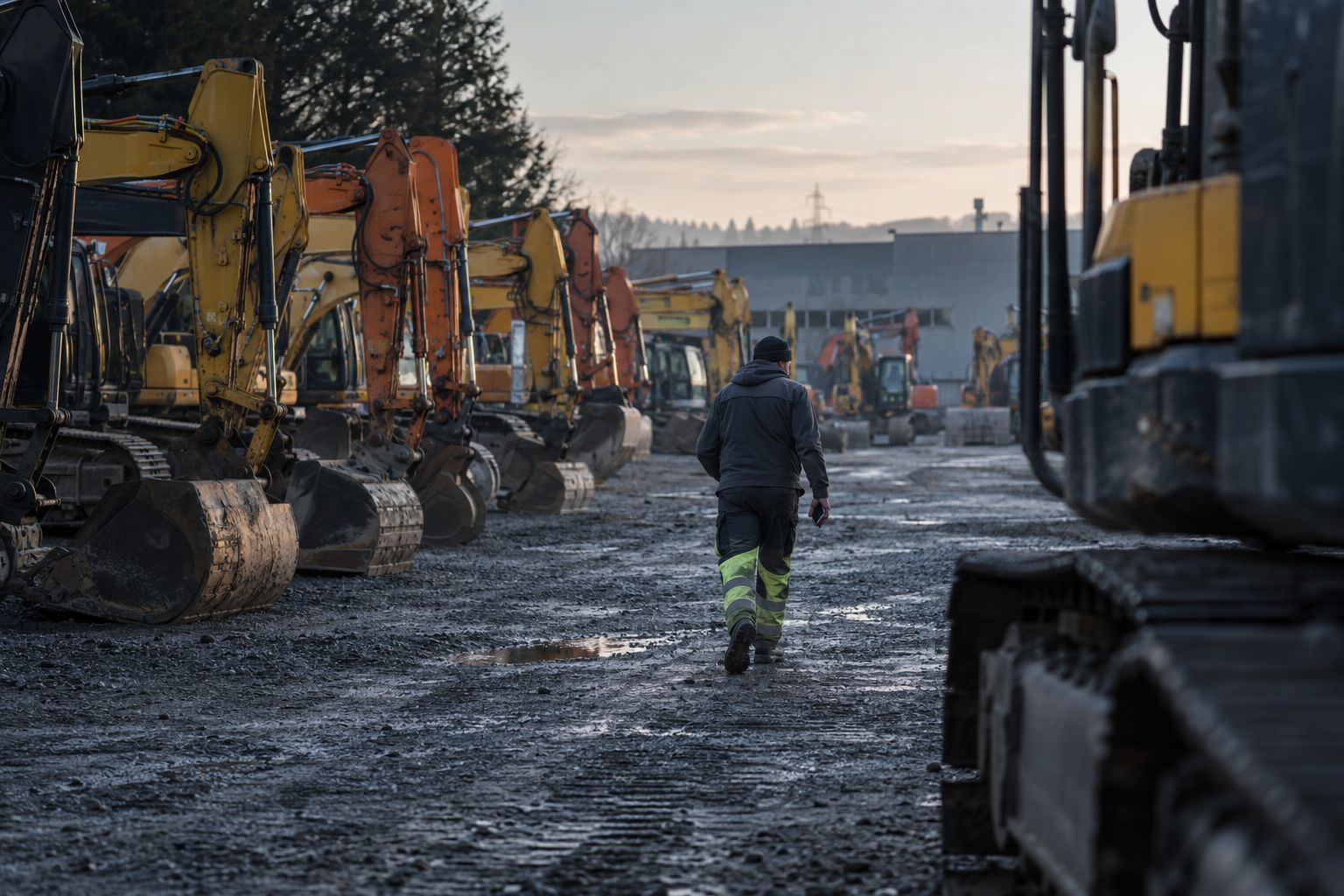
On a yard, accuracy means putting each asset in the right zone, such as Row C or the wash bay, every time. A phone that hears a Bluetooth tag gets a rough sense of distance that shifts with every step. A zone your team already knows turns that signal into a place someone can walk to.
By Maarten Tak ·
Ask three tracking vendors how accurate they are and you get three numbers in metres. None of them tells you whether a yard worker sent to fetch a compactor comes back with it. That depends on something simpler: whether the system names a place your team recognises.
Why does a Bluetooth position move around?
A Bluetooth tag sends a short signal every few seconds. A phone or gateway that hears it also measures how strong the signal is when it arrives. A strong signal suggests the tag is close, and a weak one suggests it is further away.
That reading is noisy. The signal bounces off steel, gets absorbed by people and wet ground, and changes when the phone moves from a hand to a jacket pocket. Two readings taken a second apart, from the same spot, can disagree. Phone makers deal with this openly. Apple’s location framework sorts a beacon’s distance into four broad bands, immediate, near, far and unknown, instead of promising an exact figure.
So a position in metres, computed from one reading, keeps jumping around. On a map it looks precise. In practice it can put an excavator on the wrong side of a row.
What does a zone give you?
A zone is an area of the yard with a name people already use: Row A, the wash bay, the workshop, the ready line, the quarantine corner. Hirro places each asset in the zone where it was last heard.
A zone is large enough that repeated readings agree on it. Each phone that walks past adds another reading, and together they settle on one zone even when single readings disagree. It is also specific enough to act on. “Row C” sends someone to the right place. A pair of map coordinates means little to a driver with a truck to load.
From there, the last part of the search happens on the phone. The Hirro app shows a radar for one asset, and the signal gets stronger as you walk toward the tag. That picks the right machine out of a row of identical ones.
We ran a field test on the yard of a Belgian rental and crane company from 16 to 23 October 2026, with phones only and no gateways. Phones placed each asset in a zone of the yard, and staff found it from there with the radar. You can read the setup on the field test page.
How much accuracy does each question need?
Most questions about a fleet need less precision than the brochures suggest. Match the question to the answer that settles it.
| Question | What answers it | What you need |
|---|---|---|
| Is it on this yard or out on hire? | The site where it was last heard | Phones on each yard |
| Which row or area is it in? | A zone | Phones walking by |
| Which one in a row of identical machines? | The last few steps | The radar in the app |
| When did it pass the gate? How long was it in the wash bay? | A stage, with times | A gateway at that spot |
| Where is it on the road? | GPS | A live tracker on the machine |
Phones cover the first three rows of that table. A gateway listens all the time at one place, so it is the tool for stages and dwell times. You add one at the gate, the wash bay or the workshop when you want those stages to log themselves. The gateway page has the details.
When do you need finer positions?
Some jobs do need more than a zone. A hall where forklifts must stay in their lanes, or a safety area people should not enter, can call for a position that follows the exact route of each tag.
Bluetooth has a method for that, called direction finding. A tag sends a special signal, and a fixed locator with several antennas works out which direction it came from. The Bluetooth SIG describes it as a way to build positioning systems with much finer location accuracy. It also needs those locators installed and powered across the area you want to cover, which brings back the hardware project that phone walk-by avoids.
For a rental yard or a contractor’s depot, the question is usually “where is it and is it ready”, and a zone answers it. Fine positioning makes sense in a small, busy area where a wrong lane has a real cost.
How do you draw zones on your yard?
Draw zones the way your team talks about the yard.
- Use the names people already say. If drivers say “the back fence” or “Row D”, make those the zones.
- Draw one zone per decision. The wash bay, the workshop and the ready line are separate zones because an asset in each needs a different next step.
- Keep zones large enough to settle. A strip that a phone crosses in a few steps gives readings that jump between zones. Make a zone at least as wide as a typical row.
- Start with a few, then split. Begin with six or eight zones on a yard. Split a zone when people keep asking “where in Row B?”
- Mark the edges of the site. A zone at the gate or the yard exit shows what was last heard on the way out.
What should you ask a vendor about accuracy?
A metre figure from a vendor tells you little until you know how they got it. Ask what a yard worker sees on the screen, and whether that is a zone they would recognise. Ask how many readings the system combines before it moves an asset, and what happens when two zones disagree. Then ask what hardware the stated accuracy needs, and who installs and powers it.
You can see how Hirro answers those questions on how it works: tags on the assets, the app on staff phones, zones you draw yourself, and gateways only where a stage should log itself.
Questions
How accurate is Bluetooth asset tracking on a yard?
Accurate enough to place each asset in a zone of the yard, such as a row, the wash bay or the workshop. Signal strength moves with people, steel and weather, so Hirro reports zones your team knows instead of a position in metres.
Do I need gateways for accurate yard tracking?
No. Staff phones running the Hirro app place assets in zones as people walk the yard. A gateway adds a reader that is always on at one spot, so you see every pass at the gate and how long an asset stayed in the wash bay or workshop.
How do I find one asset inside a zone?
Open the asset in the Hirro app and follow the radar. The tag's signal gets stronger as you walk toward it, which is enough to pick the right machine out of a row.
Next step See how Hirro tracks equipment with tags and phones.