Insights · Choosing a system · 3 min read
Why AirTags fall short for construction equipment.
AirTags work well for finding one lost item, and that is what Apple designed them for. For a fleet they fall short: they are tied to personal Apple accounts, they alert nearby iPhone users they are travelling with, and they do not feed a shared inventory or your ERP. A fleet needs tags that report to one company system.
By Maarten Tak · · Updated
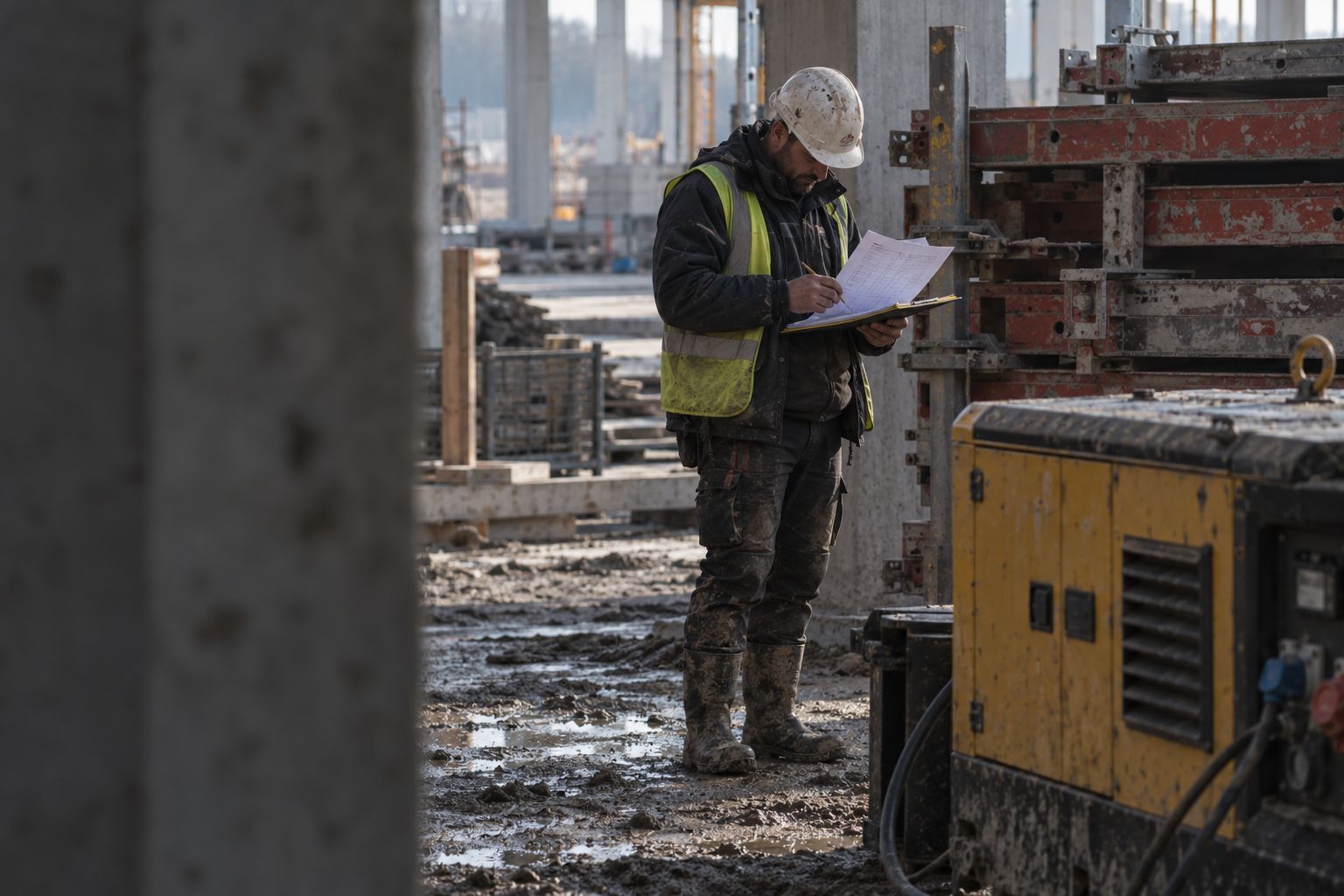
It usually starts with one person. A foreman loses a laser level, buys an AirTag for the next one, and it works. A few months later there are AirTags on a dozen tools and someone asks whether they could cover the whole fleet.
It is a fair question. AirTags are cheap, the battery lasts, and the Find My network is huge. But they were built to help one person find their own keys, and a fleet runs into the limits of that design quickly.
Where AirTags work
For a small number of items owned by one person, AirTags do the job:
- A tool that one site manager carries between sites.
- A trailer that sits in the same few places.
- A test to see whether tagging helps at all.
If that is your situation, they are a reasonable choice.
Where they fall short for a fleet
They belong to a person, not a company
Each AirTag is registered to one personal Apple account. When that person leaves, changes phone or goes on holiday, their tags go with them. There is no company view of all tags and no way to hand a set of tags to a new yard manager. Apple’s own support pages say so: an AirTag can be associated with one Apple Account.
There is no company view
Find My shows a person their own items, and an owner can share an item with a few people. That is not a fleet view. A dispatcher cannot open one screen and see every bucket on the yard, and the workshop cannot see which tools came back.
They warn the person carrying them
AirTags are designed to protect people from being tracked without knowing it. If an unknown AirTag travels with someone’s iPhone, that phone shows an alert. That is a good feature for personal safety. For a stolen machine, it means the thief may be told about the tag. Apple explains how these unwanted tracking alerts work.
Android phones are left out
The Find My network relies on Apple devices. On a team where half the phones are Android, those phones do not help find anything.
There is no link to your register
AirTags do not know that tag 14 is the 1.5 tonne breaker with asset number 20417 in your ERP. There are no zones, no stages, no “not seen for 48 hours” list and no export.
What a fleet needs instead
The idea behind AirTags is sound: small tags, heard by phones that are already around. A fleet needs the same idea, built around a company instead of a person:
- Tags that belong to the company and report to one shared inventory.
- Readers that work on both iPhone and Android, plus gateways where you want every pass logged.
- Positions in zones your team knows, such as Row B or the wash bay.
- A link from each tag to the asset in your ERP.
- Control over what staff phones report, so it fits your privacy policy.
That is how Hirro works. Staff phones running the app hear the tags as they walk the yard, and each asset lands in a zone of a shared map. Each tag links to the asset record, and you set what the phones report.
And for theft
For theft, neither AirTags nor yard tags are the right tool on their own. A hidden 4G tracker on high-value machines is. Tags help with the other side of loss: noticing quickly that something is missing, while there is still time to find out where it went.
Questions
Can I use AirTags to track construction equipment?
For a handful of items, yes. For a fleet, they fall short. Each AirTag belongs to one personal Apple account, there is no company-wide view, and there is no link to your asset register.
Do AirTags help recover stolen equipment?
Not reliably. AirTags are built to warn people about unknown trackers travelling with them, so a thief with an iPhone may be alerted and remove it. For theft, use a hidden GPS tracker.
What should a contractor use instead?
Bluetooth tags that report to a company system. Staff phones and gateways hear them, every asset sits in one shared inventory, and each tag links to the asset in your ERP.
Next step Compare the tags, trackers and gateways.